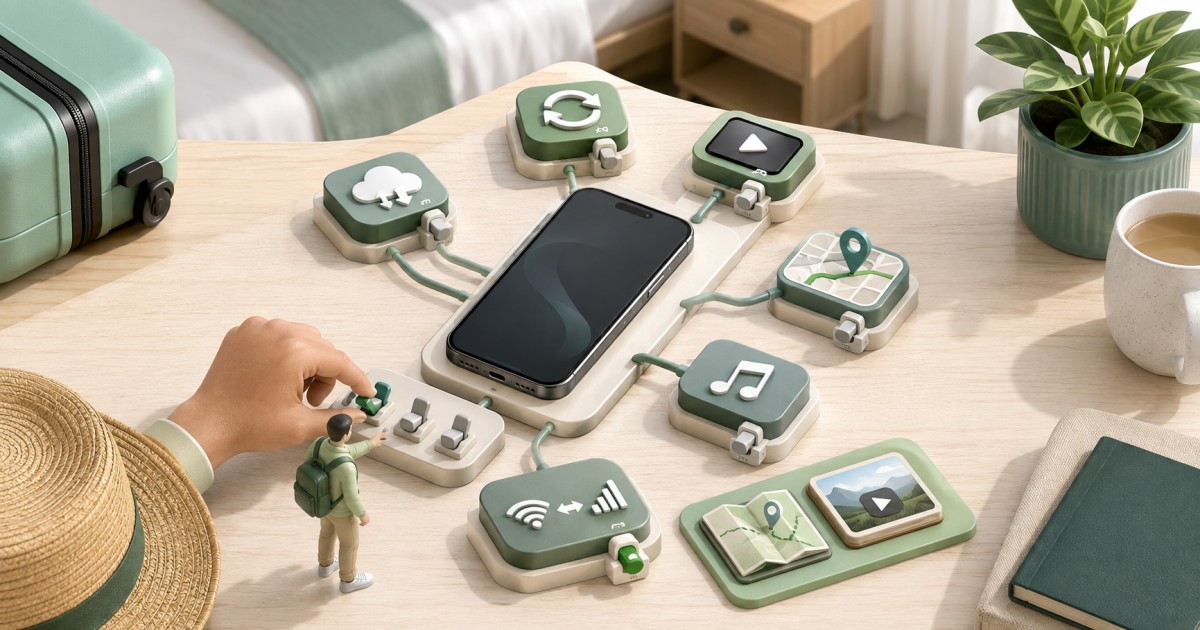
Yes. A Global eSIM keep home number while traveling setup is standard practice: you install a travel eSIM for data and leave your home SIM or eSIM in place for calls and texts on its original number. Your phone treats these as two separate lines, so nothing about your home number changes just because a second data line is active in the same device.
The confusion usually comes from mixing up three different things that live inside a single physical or digital SIM slot. Once you separate them, the rest of the setup is mostly a few taps in your phone's settings.
Phone Number, SIM Line, and Data Line: What Is Actually Different
These three terms get used interchangeably, but they describe different layers of how your phone connects:
- Phone number: the identifier your contacts dial or text. It is assigned by your home carrier and stays yours regardless of which SIM or eSIM is active for data.
- SIM line (or eSIM profile): the credential that authenticates your phone on a specific carrier's network. A phone can store multiple eSIM profiles at once, though most models only run one or two lines actively at the same time.
- Data line: the specific line your phone uses to move internet traffic. On a dual-SIM phone you choose which line handles data, independently of which line handles calls or texts.
This is why installing a travel eSIM does not "replace" your number. You are adding a new SIM line dedicated to data, while your home line's phone number keeps functioning for calls and SMS wherever it has signal or roaming access.
Two Common Setups for Travelers Using a Global eSIM
Most travelers choose between two configurations, and the right one depends on how much you need calls and texts to keep working normally.
Setup 1: Travel eSIM Only, Home SIM Removed or Disabled
You install a Global eSIM for data and turn off or physically remove your home SIM. This avoids any risk of accidental roaming charges but means your home number cannot receive calls or standard SMS until you reactivate it. Many travelers still receive messages through WhatsApp, iMessage, or email over the eSIM's data connection, since those apps just need internet access, not the original SIM.
Setup 2: Travel eSIM Plus Home Line Active (Dual SIM)
You keep your home SIM or eSIM active for calls and texts, and add a travel eSIM purely for data. This is the setup most people mean when they ask about a Global eSIM that lets them keep their home number while traveling. Your phone runs both lines simultaneously: the home line stays reachable at its usual number, and the travel eSIM quietly handles all mobile data in the background.
This dual-line approach works well for trips spanning several countries, since a single Global eSIM plan can often cover multiple regions without needing a new local SIM at every border, while your home number keeps working for calls, verification codes, and banking texts throughout the trip.
How to Set the Travel eSIM as Your Data Line
The general steps are similar across modern smartphones, though menu names differ. Before you fly, confirm your device supports eSIM and dual-line use by checking the eSIM device compatibility list, since not every phone or carrier-locked model supports a second active eSIM profile.
- Install the Global eSIM using the QR code or activation link from your provider, ideally while connected to Wi-Fi.
- Open your phone's cellular or mobile network settings and confirm both lines (home and travel) appear as separate entries.
- Set the travel eSIM as the default line for mobile data.
- Set your home line as the default (or only) line for calls and SMS.
- Turn off data roaming on the home line specifically, so it cannot silently use expensive roaming data if the travel eSIM briefly loses signal.
iPhone Example
According to Apple's own support documentation, iPhone models that support dual eSIM let you label each line, assign a default line for iMessage and FaceTime, and separately assign a default line for cellular data (Apple support: use eSIM with iPhone). In practice this means going to Settings > Cellular, selecting your travel eSIM, and choosing it as the line used for Cellular Data, while your home line stays selected for Default Voice Line. Android devices use a similar concept under names like "Mobile network" or "SIM manager," though the exact wording varies by manufacturer.
Keeping a Home Line Active Can Still Trigger Charges
Even when your travel eSIM handles all data, your home SIM does not become invisible to its carrier just because it is not the data line. If data roaming is left switched on for the home line, or if an app forces a request through it, you can still be billed by your home carrier's international roaming rates. Incoming calls routed through international forwarding, or texts sent while the home line briefly attaches to a foreign tower to check for messages, can also generate charges depending on your plan.
The safest approach is to disable data roaming (not airplane mode, just data roaming) specifically on the home line, confirm with your home carrier what roaming charges apply to calls and texts while abroad, and treat the travel eSIM as the only line allowed to use mobile data. If you are unsure how your specific carrier bills roaming, checking with them directly before departure avoids surprises, since roaming terms vary by carrier and by country and change over time.
WhatsApp and Similar Apps Stay Tied to the Registered Number
A common misconception is that switching your data line changes which number your messaging apps use. It does not. WhatsApp's own help documentation confirms that an account is registered to a specific phone number, and that number remains the account's identity regardless of which SIM, eSIM, or Wi-Fi network is providing the internet connection at any given moment (WhatsApp FAQ: your number and your account). In other words, your travel eSIM simply supplies the internet connection; WhatsApp still sends and receives messages under your home number's account, as long as the app can reach the internet through either line.
This also matters for anyone worried about receiving bank verification texts on a travel eSIM: standard SMS codes still arrive on the home line's number, not the travel eSIM, since the travel eSIM typically only carries data, not a phone number of its own.
Before-Departure Test Checklist (Do This on Wi-Fi)
Test your setup at home, connected to Wi-Fi, before you rely on it at the airport or in a new country. This avoids troubleshooting a data-only eSIM profile in an unfamiliar place with no working connection.
- Install the Global eSIM profile and confirm it shows as "active" or "enabled" in your cellular settings, not just "installed."
- Turn off Wi-Fi briefly (leave mobile data on) to confirm the travel eSIM alone can load a webpage using cellular data, if your provider's activation window has already started.
- Confirm your home line still shows its correct number under contacts or "My Number" in settings.
- Send a test text and make a short test call on the home line to confirm it still functions normally.
- Open WhatsApp, iMessage, or your main messaging app and confirm it still shows your home number as the registered account.
- Check that data roaming is switched off for the home line and switched on (or not applicable) for the travel eSIM, depending on your provider's instructions.
- If you are visiting a device-locked phone, review whether a locked iPhone can use a travel eSIM before you buy, since carrier locks can restrict a second active line.
For a broader look at the right moment to activate before you fly, see the guide on whether to install your eSIM before travel, which covers validity windows that can start counting down the moment a profile is installed rather than first used.
Choosing a Global eSIM for Multi-Country Trips
If your itinerary crosses several countries or continents, a single Global eSIM plan can be more practical than buying a new local eSIM at every border, since it keeps one data line active throughout while your home number stays untouched for calls and texts. Compare current Global eSIM plans for coverage and data allowance before you travel, or use the plan finder to match a plan to your specific route and trip length. General guidance on communicating safely while abroad, including keeping a working means of contact, is also outlined by the U.S. State Department's travel resources (travel.state.gov: staying connected abroad).
Frequently Asked Questions
Do I lose my home number if I install a travel eSIM?
No. Installing a travel eSIM adds a separate data line to your phone; it does not remove, replace, or deactivate your home number. Your home number keeps working for calls and texts as long as its own SIM or eSIM line stays active and enabled.
Can I receive texts on my home number while using a Global eSIM for data?
Yes, as long as your home line is still active and has signal, either through your home carrier's own network or its roaming agreements. The travel eSIM typically handles data only and does not carry a phone number of its own.
Will my home carrier charge me if I only use the travel eSIM for data?
You can still be charged if data roaming is left enabled on the home line, or if calls and texts on that line incur roaming fees while abroad. Check your specific plan's roaming terms and disable data roaming on the home line before you leave.
Does WhatsApp switch to my travel eSIM's number?
No. WhatsApp accounts are tied to the phone number used at registration, not to whichever line is currently providing internet access. Your travel eSIM simply supplies the data connection that lets WhatsApp send and receive messages under your existing number.
Do all phones support keeping a home line and a travel eSIM active at once?
Not always. Support depends on the device model and sometimes on whether the phone is carrier-locked. Check your device against an eSIM device compatibility list and review your phone's dual-SIM specifications before assuming both lines can run simultaneously.