How-To
Android Phone How to Change eSIM Provider for Sri Lanka
If you are searching "android phone how to change esim provider for sri lanka", the short answer is that you do not replace your home carrier. You add a Sri Lanka travel eSIM, choose it as the line for mobile data, and enable data roaming for that line if the plan instructions call for it. Your home line can stay on for calls and texts.
This guide focuses on the part that trips people up: picking the right data line and roaming setting. Menu names differ by brand and Android version, so we cover Samsung Galaxy, Pixel, other brands, and what to check after landing in Colombo.
Android Phone How to Change eSIM Provider for Sri Lanka: The Quick Answer
Here is the whole process in order. The scenarios below give the menu paths.
- Check your phone supports eSIM and is carrier-unlocked.
- Install the travel eSIM before departure while you are on reliable Wi-Fi.
- Label the new line (for example "Sri Lanka") so you do not mix it up with your home SIM.
- Set mobile data to the travel eSIM and keep your home line for calls and texts.
- Enable data roaming for the travel eSIM line only, if the plan instructions require it.
- On arrival, turn off Airplane mode and test a map or web page.
We keep the install steps short here. For the full profile installation, see our guide to how to activate eSIM on Android. On an iPhone the path is different: Settings > Cellular or Mobile Service, then the add eSIM option. Our iPhone eSIM activation steps cover that.
Check Your Android Phone Before You Buy
Two things decide whether this works. Your phone must support eSIM, and it must not be locked to your home carrier. A locked phone may refuse a profile from another provider, so ask your carrier if you are unsure.
Run your model through the eSIM compatibility checker before you pay for a plan. Do not assume every Android handset behaves the same. Whether your phone can use a physical SIM and an eSIM together, or keep more than one eSIM active, varies by model, so check its specifications.
Do You Need an eSIM Adapter for Android?
No. If your phone already supports eSIM, the eSIM is built in, and a standard travel eSIM installs directly. Google lists eSIM as available on supported Pixel models, and Samsung's SIM manager includes an Add eSIM option.
An eSIM adapter is only a possible workaround for phones that lack native eSIM. Phone makers do not document third-party adapter compatibility, so we do not recommend one. If your phone has no eSIM support, a physical SIM is the safer route.
Choose a Sri Lanka eSIM Plan That Fits Your Trip
Compare Sri Lanka eSIM plans by data amount and number of days. Then read the plan details for speeds, hotspot sharing, top-ups and whether a phone number is included. These vary by plan, so there is no single rule for all of them.
Validity also varies. Some plans start counting days when you install the eSIM. Others start on your first connection in Sri Lanka. Check the plan details before you install, and read our guide on whether to install your eSIM before travel if you are unsure.
How Much Data Do You Need for Sri Lanka?
Exact usage depends on video quality, app settings and your phone, so we do not give hard numbers. The table ranks common activities by relative use. Use it to pick between a smaller and a larger plan.
| Activity | Relative data use | Planning tip |
|---|---|---|
| Text messaging | Low | Photos and voice notes add more. |
| Maps and navigation | Low | Download offline maps over Wi-Fi first. |
| Social media scrolling | Medium | Auto-playing video raises use quickly. |
| Video calls | Medium to high | Switch to audio-only when you can. |
| Video streaming | High | Lower the quality, or save streaming for hotel Wi-Fi. |
Light users who rely on maps and messaging need far less than people who stream or video call daily. Leave a buffer for photo uploads and app updates, and watch your usage in your phone's data settings.
Scenario 1: Samsung Galaxy With a Home SIM and a Travel eSIM
You keep your home SIM in the tray and want the Sri Lanka eSIM for data. Install the profile first using Settings > Connections > SIM manager > Add eSIM, as described in Samsung's eSIM instructions. Samsung says a restart may be needed after the profile is added. Labels vary by One UI version.
Now set the lines:
- Open Settings > Connections > SIM manager.
- Set Calls and Text messages to your home SIM.
- Set Mobile data to the travel eSIM.
Next, open Settings > Connections > Mobile networks and look for Data roaming access, per Samsung's roaming guidance. Turn it on for the travel eSIM if your plan instructions require it. Roaming settings and any charges on your home line depend on your carrier's terms and your phone model. Our guide on which line should have data roaming on explains the logic.
Scenario 2: Pixel With a Home SIM and a Travel eSIM
On a Pixel, everything lives under Settings > Network & internet > SIMs. Add the travel eSIM there, then follow your plan's install steps.
Next, look for Your primary SIMs. Tap Mobile data and select the Sri Lanka eSIM. Google states that only one SIM can be the default for data, while calls and texts can be assigned separately. Set Calls and SMS to your home SIM.
To enable roaming, tap the travel eSIM in the SIMs list and switch on Roaming if your install instructions require it. Google describes roaming and default SIM settings on its help page.
Scenario 3: Motorola, OnePlus, Xiaomi or Another Android Brand
There is no universal menu path. Google notes that mobile network options vary by phone and Android version. Open Settings and search for SIM, eSIM, SIM manager or Mobile network.
You will often find them under Network & internet or Connections. Whatever the labels say, the goals are the same:
- Pick the travel eSIM as the Mobile data line.
- Keep your home SIM for Calls and SMS.
- Enable roaming on the travel eSIM line only, if the plan instructions require it.
If you have trouble adding the profile itself, the activation guide linked above covers the install steps.
Scenario 4: You Land in Colombo and Data Is Not Working
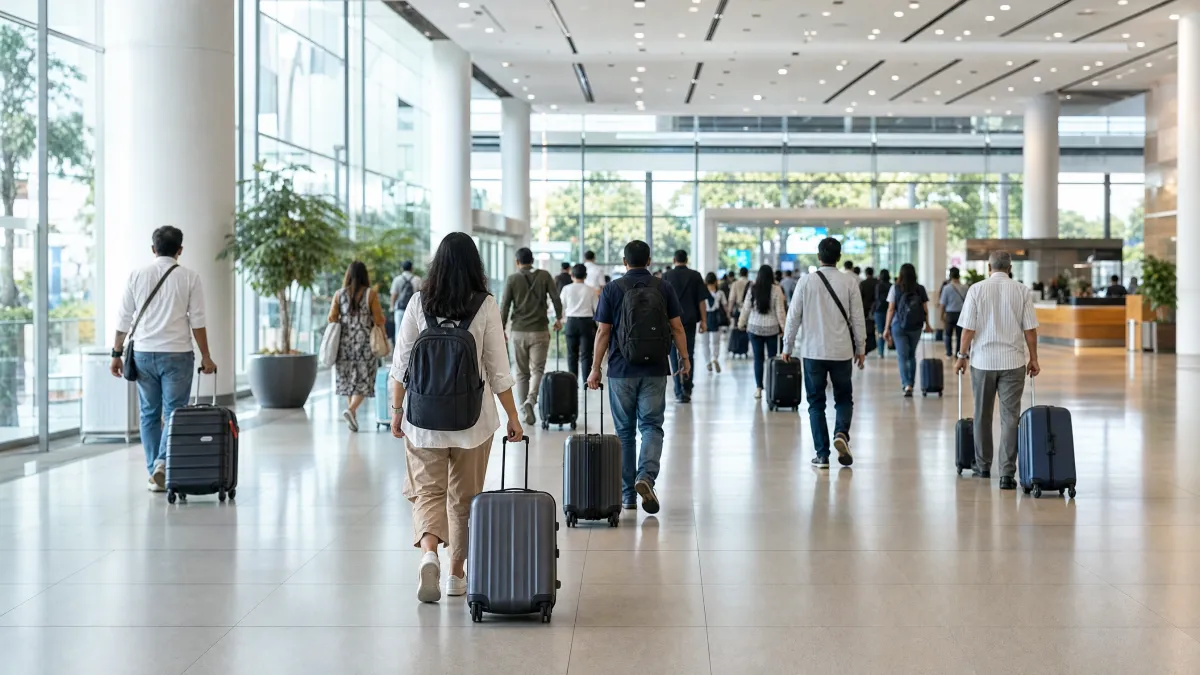
Run through this arrival checklist at Bandaranaike International Airport, also called Colombo airport:
- Turn off Airplane mode.
- Confirm the travel eSIM is switched on in your SIM settings.
- Check that it is still the Mobile data line.
- Enable data roaming for that line if required.
- Wait for the signal indicator to appear, then test a map or web page.
If it still fails, check that Mobile data and Use SIM are enabled for the travel eSIM. Then review Preferred network type or network selection, as outlined in Google's troubleshooting steps. A restart sometimes helps. Our fixes for an eSIM not working after landing go further.
The airport's website lists mobile communication service points in the arrival public concourse, open 24 hours. Services and hours can change, so treat that as a fallback for help rather than a plan.
Frequently Asked Questions
Can I keep my home number active while using a Sri Lanka eSIM?
That depends on your phone model. Many eSIM phones can run a physical SIM and an eSIM together, so check your specifications. If yours can, set your home line for calls and texts and the travel eSIM for mobile data. Whether the eSIM includes its own phone number depends on the plan.
Do I need to turn on data roaming for the travel eSIM?
Follow your plan's install instructions. Some plans tell you to enable roaming or data roaming on the travel eSIM line. If yours does, turn it on for that line only. Roaming charges on your home line depend on your carrier's terms.
Do I need an eSIM adapter for Android?
No, not if your phone already supports eSIM. The eSIM is built in. An adapter is only a possible workaround for phones without native eSIM, and phone makers do not document compatibility.
Where is the SIM manager on my Android phone?
On Samsung Galaxy it is under Settings > Connections > SIM manager. On Pixel, go to Settings > Network & internet > SIMs. On other brands, search Settings for SIM or eSIM, since labels vary by model and software version.
Can I install the Sri Lanka eSIM after I land?
You can if you have a working internet connection, such as airport Wi-Fi. It is safer to install before departure over Wi-Fi at home. Check your plan details to see whether validity starts at install or on first connection.
Can I share my Sri Lanka eSIM data as a hotspot?
That depends on the plan. Some plans allow hotspot sharing and others limit it. Read the plan details before you buy, and do not assume sharing is included.