Travel Tips
How to Transfer eSIM if Old Phone Is Broken: Travel Fixes
If you need to know how to transfer esim if old phone is broken, the short answer is that you usually cannot pull the profile off a dead handset. If the old phone still turns on, try its built-in transfer first. If it does not, contact eSIM.site support with your order number and ask whether a replacement install is possible for your plan.
This guide goes through the likeliest problems in order, from a cracked screen to a lost phone. It also covers how to get online without a working eSIM and what to save before your next trip.
Why an eSIM Is Tied to the Phone It Was Installed On
An eSIM profile is downloaded into a chip built into your phone. As the GSMA guide to eSIM architectures explains, a replacement phone needs its own activation or transfer process. The profile lives in that hardware, not in your email or account.
That is also why a direct transfer is never guaranteed. It depends on the phone platform, the software version and whether the network provider supports it.
What can and cannot be recovered
- Best record to keep: your purchase confirmation email. It holds your order number and plan details, so save it somewhere other than the phone.
- Depends on the plan: a fresh install on a new phone. Support has to confirm that your plan is eligible.
- Not recoverable: the profile itself from a dead or missing handset.
Whether unused data carries over to a replacement depends on the plan and the provider. Ask support instead of assuming.
How to Transfer eSIM if Old Phone Is Broken: Pick Your Situation
Match your symptom to the table, then follow the fixes below in order.
| Symptom | Likely cause | First move |
|---|---|---|
| Screen cracked, phone still unlocks | Display damage only | Try the built-in transfer (Fix 1) |
| Phone powers on but you cannot see or unlock it | Display or touch failure | Skip steps that need old-phone confirmation (Fix 2) |
| Phone dead, drowned or lost | Hardware failure or loss | Contact support with order details (Fix 2) |
| New phone bought abroad will not take the eSIM | Locked or not eSIM-capable | Check the handset (Fix 3) |
| Transfer starts, then fails | Unsupported provider or platform, software mismatch | Run the quick checks in Fix 4 |
| Phone number will not move | Number is managed by the provider | See the phone number section |
Fix 1: Old Phone Still Works? Try the Built-In Transfer First
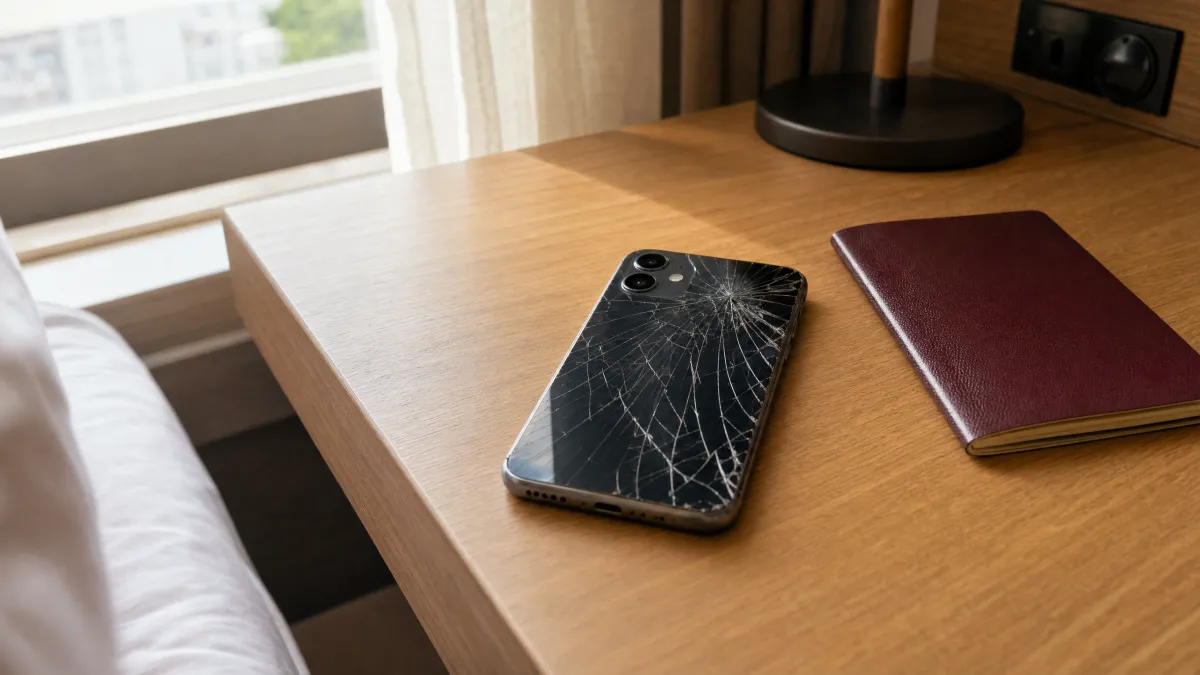
A cracked screen may not block a transfer if the phone still boots, unlocks and responds to touch. Both phones should be unlocked, signed in and connected. The network provider also has to support the method.
iPhone to iPhone
Apple's eSIM transfer support page says Quick Transfer needs both iPhones nearby, signed in, unlocked and with Bluetooth on. When activation finishes on the new phone, the old SIM is deactivated.
- Update both iPhones and turn Bluetooth on.
- On the new iPhone, open Settings > Cellular (or Mobile Service) and choose Add eSIM.
- Pick the option to transfer from a nearby iPhone, if it appears.
- Confirm on the old iPhone when prompted.
Android
Google says supported Android phones can start a transfer during setup or later in Settings. See the Google Pixel transfer steps.
- On the new phone, open Settings > Network & internet > SIMs (typical on Pixel). Other brands may use Settings > Connections or a similar SIM menu.
- Choose Add eSIM or Transfer eSIM.
- Follow the prompts and approve on the old phone if asked.
Menu names vary by model and software version. If the option never appears, your plan or phone may not support it. Check your plan details, then move on to Fix 2.
Fix 2: Phone Dead or Lost? Contact Support With Your Order Details
When the old phone cannot confirm anything, skip every instruction that depends on it. Your next step is to contact eSIM.site support with your order number. Eligibility for a replacement eSIM install depends on your plan, so do not assume a used QR code will work again.
What to send
- Your order number and the email used to buy the plan.
- The plan name and destination.
- The model of your new phone.
- The new phone's IMEI or EID, which providers may ask for, according to Google's eSIM setup help.
On many phones these numbers sit in the About section of Settings. On iPhone that is usually Settings > General > About, and on Android often Settings > About phone. Labels vary by model and software version.
If the phone was lost or stolen
Secure the device before you set up a replacement. Apple's lost device guidance covers marking it as lost and contacting your wireless provider. Our lost or stolen phone playbook covers the full sequence.
How to Get Online to Install the Replacement eSIM
A replacement eSIM needs an internet connection to download. Try these in order:

- Trusted Wi-Fi. A hotel, airport or cafe network works. Avoid logging in to banking on public networks.
- A companion's hotspot. Ask a travel partner to share data for a few minutes.
- A spare physical SIM, as a last resort. This only works if your replacement phone has a compatible SIM tray and can run it alongside an eSIM. That is device-specific, as Google's dual SIM help notes.
Try support and trusted Wi-Fi before you spend money on anything else. Our guide to installing a travel eSIM without Wi-Fi has a fuller backup plan.
Install the replacement profile
Use the QR code, link or manual details that support sends you. Both Apple and Google describe adding an eSIM through Settings.
iPhone: Settings > Cellular (or Mobile Service) > Add eSIM, then scan the QR code or enter the details manually.
Android: Settings > Network & internet > SIMs > Add, or the SIM manager under Settings > Connections on some brands. Labels vary by model and software version.
Then turn on Data Roaming for the travel eSIM line only. Keep your home line for calls and texts if you need them. Check your plan details for when validity starts, since some plans start at install and others on first connection in the destination.
Fix 3: Bought a New Phone Abroad and the eSIM Will Not Install?
A handset bought on the road can fail for reasons that have nothing to do with your old phone. The two common ones are that it is carrier-locked or that it has no eSIM support at all. Check both before you pay.
- Ask the seller to confirm in writing that the phone supports eSIM and is unlocked.
- Run the model through the eSIM compatibility checker before you buy.
- If the phone is a physical SIM-only model, a travel eSIM cannot be installed on it.
- If it is locked, the install may fail or the line may not connect. Ask the seller or the original carrier about unlocking.
Once the handset passes, follow the steps above. For a fuller walkthrough of the move itself, see our guide to moving an eSIM to a new phone mid-trip.
Fix 4: eSIM Transfer Failed? Quick Checks
If an eSIM transfer failed, update both phones, restart them and retry with Bluetooth and Wi-Fi on. Then confirm the new phone is unlocked and that your plan details allow transfers.
Google says persistent failures should go to the network provider. Our eSIM transfer troubleshooting guide goes deeper.
Unable to Transfer Phone Number eSIM? Why Numbers Behave Differently
Your phone number belongs to the network provider, not the phone. If a cross-platform move, such as iPhone to Android, is unavailable or fails, Apple's support page says the provider can move the number or issue a QR code.
Some travel eSIMs are data-only, so check whether your plan includes a number. For your home number, contact your home carrier. Our guide on how to keep your home number while traveling covers the options.
Can You Transfer eSIM to Physical SIM?
Usually not by yourself. A downloaded profile cannot be turned into a plastic card, so the provider generally has to issue a new physical SIM.
Google also warns that switching between SIM types can deactivate the other one, per its eSIM and physical SIM help. Keep any working SIM until the new service is confirmed.
If a Replacement Install Is Not Possible: Buy a New Plan
Sometimes a fresh plan is faster than waiting. Confirm the phone supports eSIM and is carrier-unlocked first. If you are crossing several countries, compare Global eSIM plans, and read each plan's details for data, validity, hotspot and top-up rules before you buy.
To size a replacement plan, use these rough estimates. Real usage varies by app, video quality and settings.
| Activity | Approximate data (estimate) |
|---|---|
| Map navigation | 5 to 15 MB per hour |
| Text messaging | 1 to 3 MB per hour |
| Social media scrolling | 100 to 250 MB per hour |
| Video calls | 300 to 800 MB per hour |
| Video streaming | 300 MB to 3 GB per hour, depending on quality |
Back Up Your eSIM Install Details Before You Leave
A few minutes before departure can save hours later. Install your eSIM at home over Wi-Fi, then store these items somewhere other than the phone:

- Purchase confirmation: proves the order and speeds up support.
- Install instructions and activation details: keep them in a secure place, since QR codes are sensitive.
- Support contact route: you may not be able to open your email on a dead phone.
- Phone IMEI and EID: providers may ask for these.
- Cloud backup access and account recovery method: you need them to set up a replacement phone.
Do not assume a QR code you already used can be reused. Confirm replacement-install eligibility with eSIM.site support.
Frequently Asked Questions
Can you transfer an eSIM to another phone?
Sometimes. Direct transfer works only where both phones and the network provider support it. If it is not supported, you need a fresh activation or a replacement install from support.
How do you transfer an eSIM to a new phone?
On iPhone, go to Settings > Cellular (or Mobile Service) > Add eSIM. On Android, go to Settings > Network & internet > SIMs, or the SIM manager under Connections on some brands. Both phones need to be online. If the old phone is broken, contact support instead.
Can I reuse the same QR code on my new phone?
Do not count on it. Whether a code can be reused depends on the plan, so check your plan details. Ask eSIM.site support, with your order details, whether a replacement is possible.
Can I transfer my eSIM to a physical SIM?
Usually not by yourself. The provider generally has to issue a new physical SIM. Keep your working SIM until the new service is confirmed.
Why am I unable to transfer my phone number to an eSIM?
The provider controls the number. Cross-platform transfers may be unavailable, and then the provider must move the number or send a QR code. Some travel eSIMs are data-only, so check whether yours includes a number.
What should I do first if my phone is stolen abroad?
Secure the device first. Mark it as lost through your device-finding service and contact your wireless provider. Then gather your eSIM order details and contact support about the replacement.